

વર્ણન
Cinematic – is a responsive. touch-friendly Slider that displays your content with parallax 3D effect.
You can easily prepare layers for your own images in photo editor – a video lesson for Adobe Photoshop is included.
સ્ક્રીનશોટ
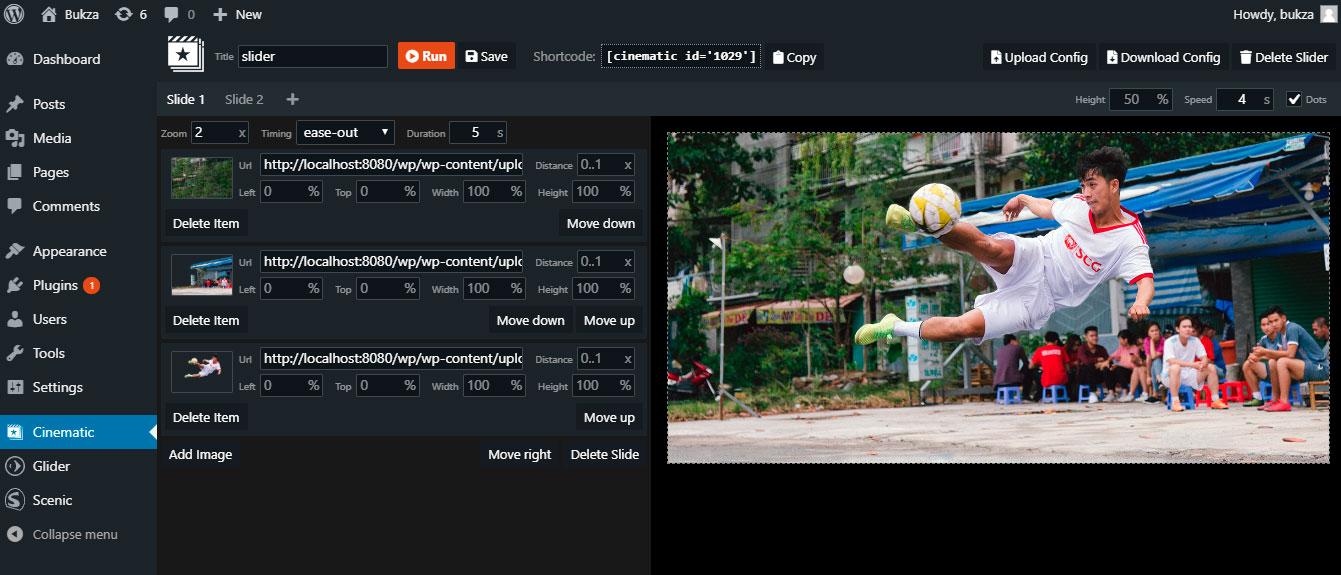
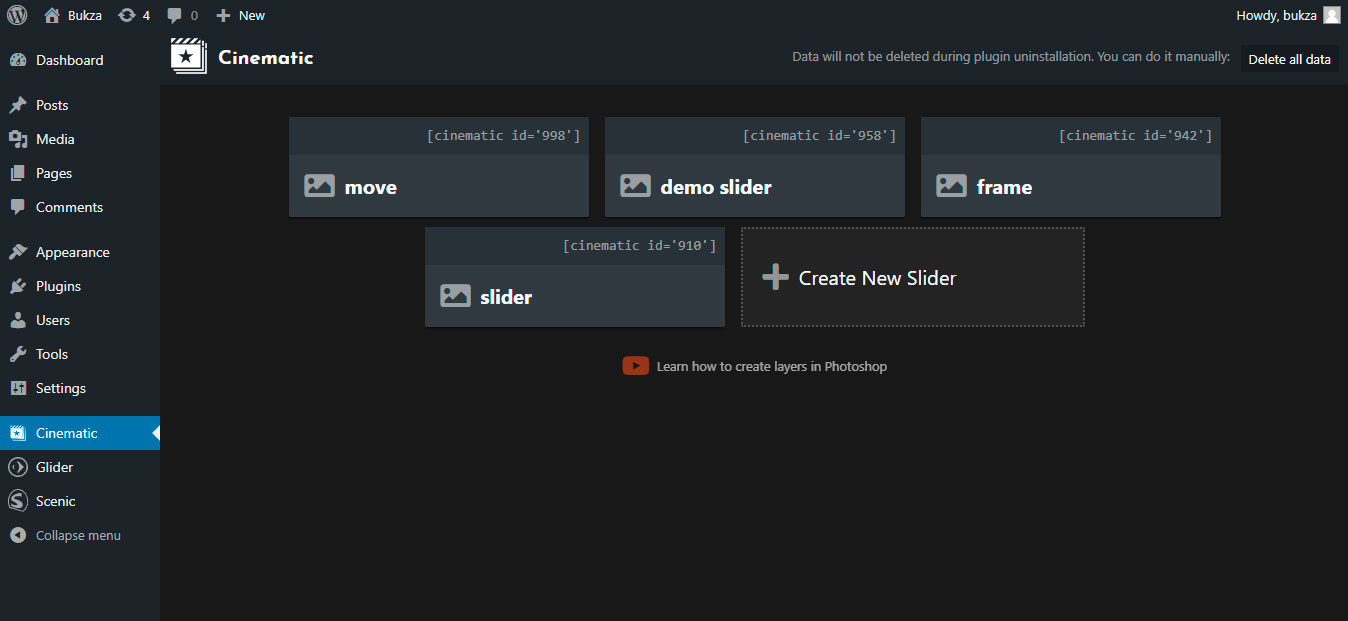

સ્થાપન
INSTALLATION STEPS
- Install the plugin through the WordPress plugins screen.
- Activate the plugin through the ‘Plugins’ menu in WordPress.
- Open Cinematic page at admin menu.
- Open example slider or create new one.
- Copy cinematic shortcode of your slider.
- Insert cinematic shortcode at the desired page.
- Open this page to see a slider in action.
સમીક્ષાઓ

ઓગસ્ટ 6, 2019
The plugin gives just unbelievable possibilities to make your slides and (especially) transitions look great. You get almost a movie grade visuals when you come from one slide to another (have to cut your slide the right way though as a prep to transition). I was really impressed and would give the creators 6* if that would be possible. Thanks, guys.

મે 8, 2019
1 reply
Great 3D effect, I have seen this before only in After Effects plugins. It’s something like Kens Burns 3D Effect.
ફાળો આપનાર & ડેવલપર્સ

“Cinematic 3D Parallax Touch Slider” ને તમારી ભાષામાં અનુવાદ કરો.
વિકાસમાં રસ ધરાવો છો?
કોડ બ્રાઉઝ કરો, જોવોઅસ્વીએન રેપોઝિટરીમાંથી,અથવા સબ્સ્ક્રાઇબ કરોડેવલપમેન્ટ દ્વારાઆરઅસઅસ.
ચેન્જલૉગ
1.0
- Initial Plugin Version