
વર્ણન
Limit access to specified media files to logged in users. Very simple interface with no unnecessary features.
Create a new ‘Download’ post, give it a title and upload a file for it. Files are stored in a protected directory under wp-content/uploads. This prevents anyone from accessing a file, even if they have the url.
Access is via a custom download url that can be copied from the plugin’s admin screen.
Downloads can be assigned categories though these are for site admin organisation use and are not used in the custom url.
The download url is not the url of the file; it is a custom url with the post ID. This allows you update the downloadable file without having to change the download url.
The plugin is enabled for translation.
If you find a bug, have a feature request or want to translate the plugin, please create an issue via the plugin’s GitHub repository.
You can also contact me on my website.
ToDo
- Change list view Download link to a link (to allow right click Copy Link) though block left click with JavaScript.
- Add a feature to move items from Media Library to private downloads CPT – possible ‘Pro’ option.
Developer information
The access can be changed with the ‘liudownload_check_perms‘ filter, returning true to allow the download.
For example:
<?php
// If the download ID is 1 then allow the download.
add_filter( 'liudownload_check_perms', 'my_download_perms_check', 10, 2 );
function my_download_perms_check( $user_logged_in, $download_id ) {
    if ( 1 == $download_id ) { return true; }

    return $user_logged_in;
}
After a file has been downloaded the ‘liudownload_after_download‘ action runs. This could allow tracking of downloads.
For example:
<?php
add_action( 'liudownload_after_download', 'note_downloads' );
function note_downloads( $download_id ) {
    $download_count = get_post_meta( $download_id, 'dl_count', true );
    if ( $download_count ) {
        $download_count++;
    } else {
        $download_count = 1;
    }
    update_post_meta( $download_id, 'dl_count', $download_count );
}
સ્ક્રીનશોટ
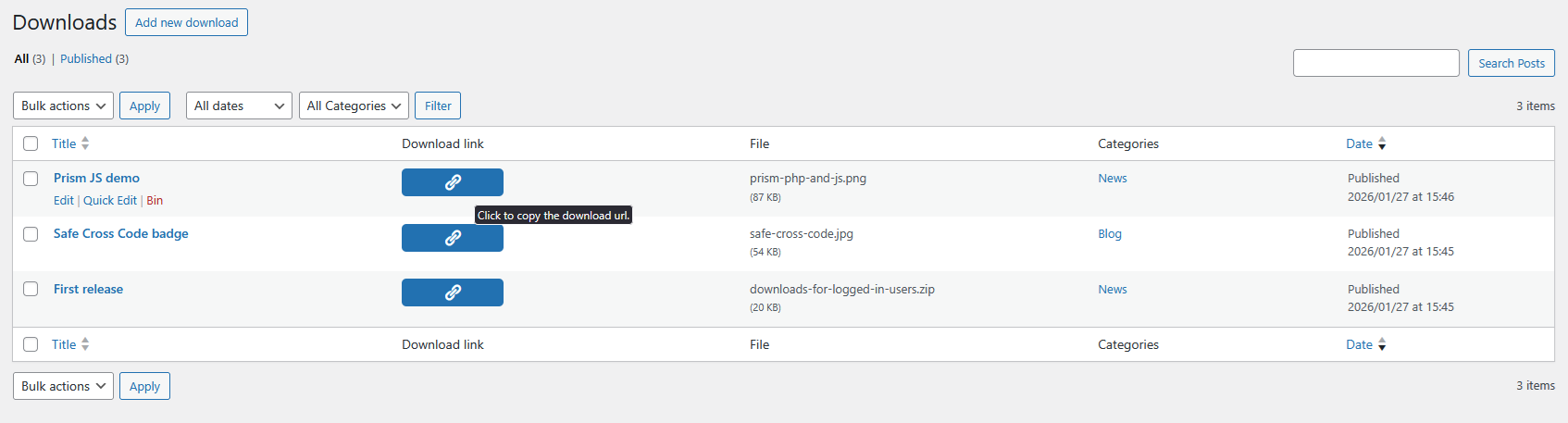
The Downloads admin page allows you click to copy the custom download url. 
Edit a download to change the uploaded file and/or the download title. 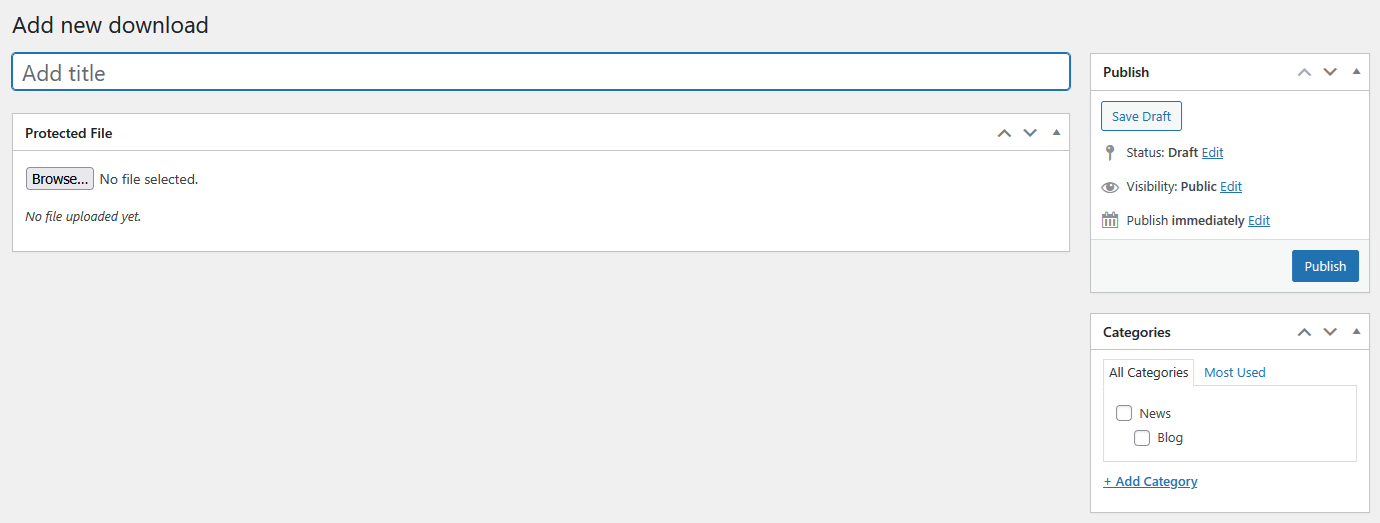
Create a new download. 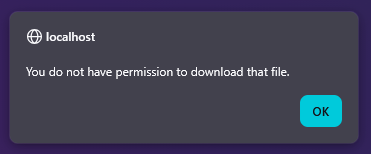
A JavaScript alert is shown when the user is not logged in.
એફએક્યુ (FAQ)
None yet.
સમીક્ષાઓ
આ પ્લગઇન માટે કોઈ સમીક્ષાઓ નથી.
ફાળો આપનાર & ડેવલપર્સ

“Downloads for logged in users” ને તમારી ભાષામાં અનુવાદ કરો.
વિકાસમાં રસ ધરાવો છો?
કોડ બ્રાઉઝ કરો, જોવોઅસ્વીએન રેપોઝિટરીમાંથી,અથવા સબ્સ્ક્રાઇબ કરોડેવલપમેન્ટ દ્વારાઆરઅસઅસ.
ચેન્જલૉગ
0.9.20260512
- Change Download post permalink to be the download url. This ensures links inserted into block editor are the download url.
0.8.20260511
- Add “Download link” button to Edit Download page so the link can be copied after publishing.
- Add “Edit Download” label so that the edit screen shows this instead of “Edit Post”.
- Remove Permalink field from Edit Download page as the link is not the download link.
0.7.20260227
- Allow Download posts to be used in block edit links (making them available in link search).
- Redirect the Download post’s permalink (returned by link search) to the download link (that checks permissions).
- Enable ‘View’ quick link on Downloads list view so the permalink can be selected another way.
0.6.20260128
- JS alert was showing at every page load – the add_action() was in the wrong place.
0.5.20260127
- Change upload dir to uploads/downloads-for-logged-in-users.
0.4.20260126
- Rename files, text domain to use new slug, ‘downloads-for-logged-in-users’, as requested during WordPress Plugin review.
0.3.20260125
- Change plugin name to “Downloads for logged in users” as requested during WordPress Plugin review.
0.2.20260118
- Move CSS and JS into separate files and load with wp_enqueue_script/style.
0.1.20260118
- Initial version.