
વર્ણન
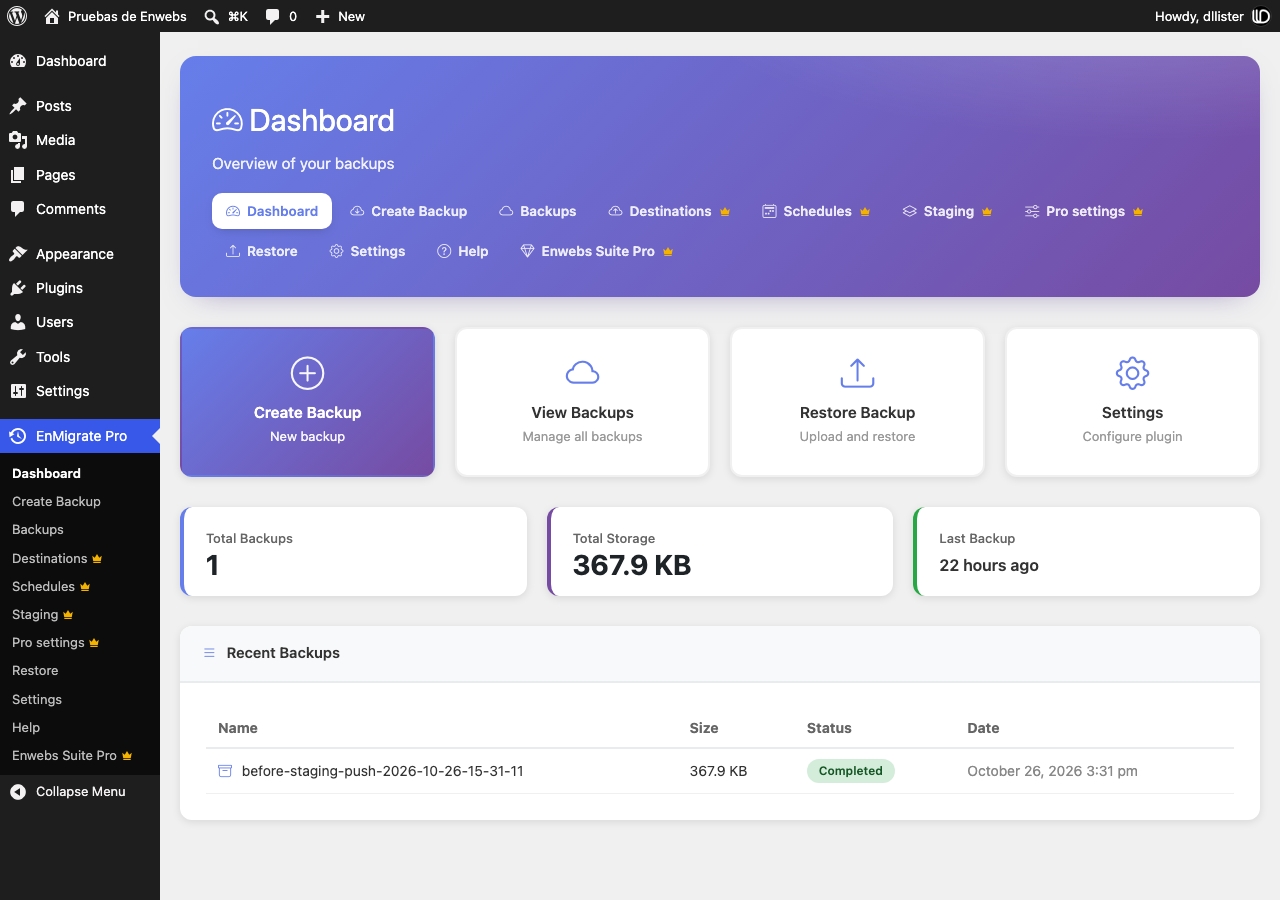
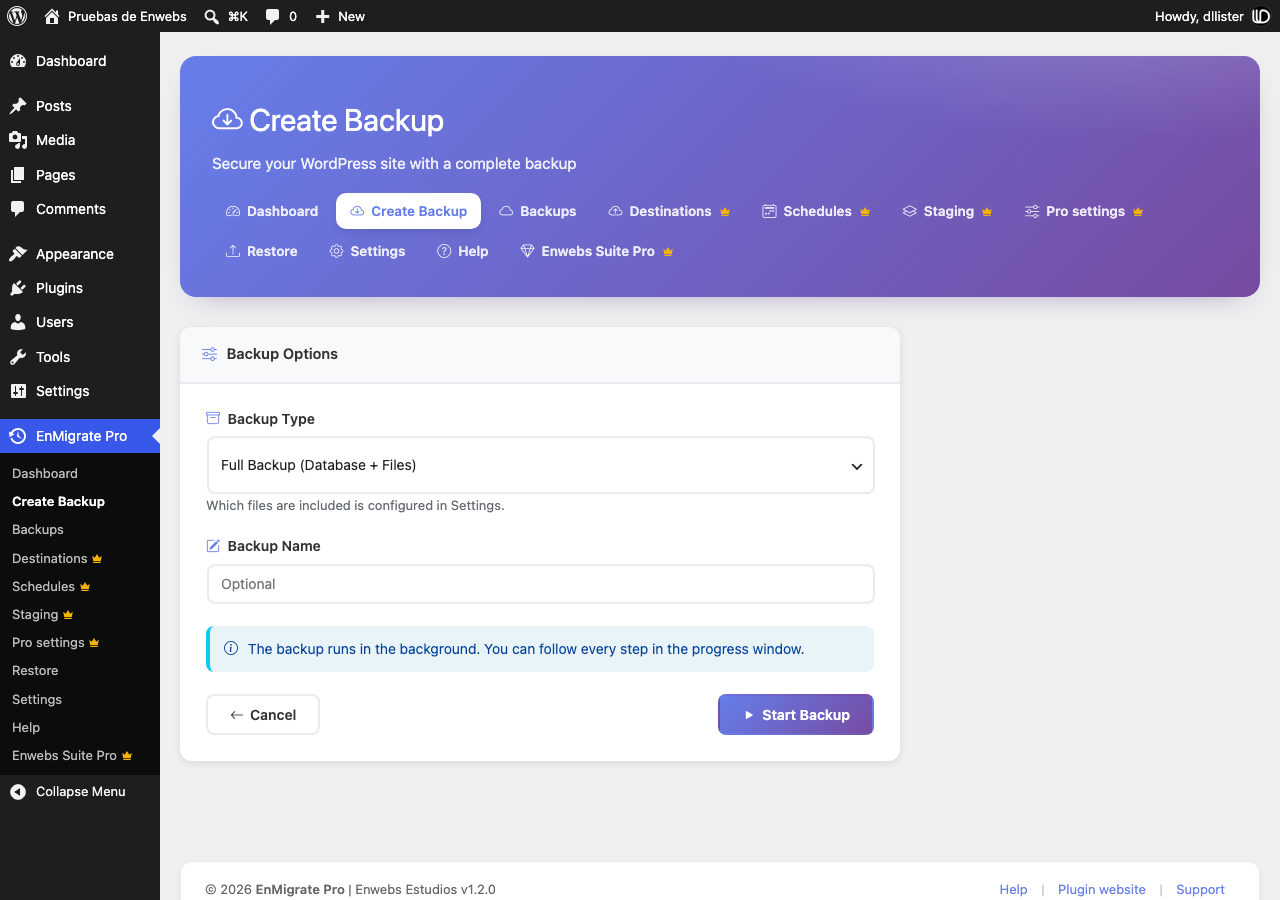
EnMigrate Pro creates a single backup file of your whole site and restores it on the same server or on a different one, with a different domain or table prefix.
Features
- Full site backups: database, plugins, themes, uploads, mu-plugins and languages in one
.wpbfile. - No size limit: large backups are uploaded in small parts, so
upload_max_filesizeand server timeouts are not a problem. - One-click restore with a live log that shows every step: tables imported, URLs replaced, folders restored.
- Safe migrations between domains: URLs and paths are replaced everywhere, including serialized data (theme customizer settings, widgets, menus) and JSON data used by page builders.
- Different table prefix on the destination? Handled automatically, including user roles and capabilities.
- The database is imported into temporary tables and swapped in at the end, so an error during the import never leaves your site half restored.
- Restores run in short steps that resume automatically, so they work on shared hosting with strict time limits.
- Database-only and files-only backups.
- Daily automatic backups, keeping only the last N backups.
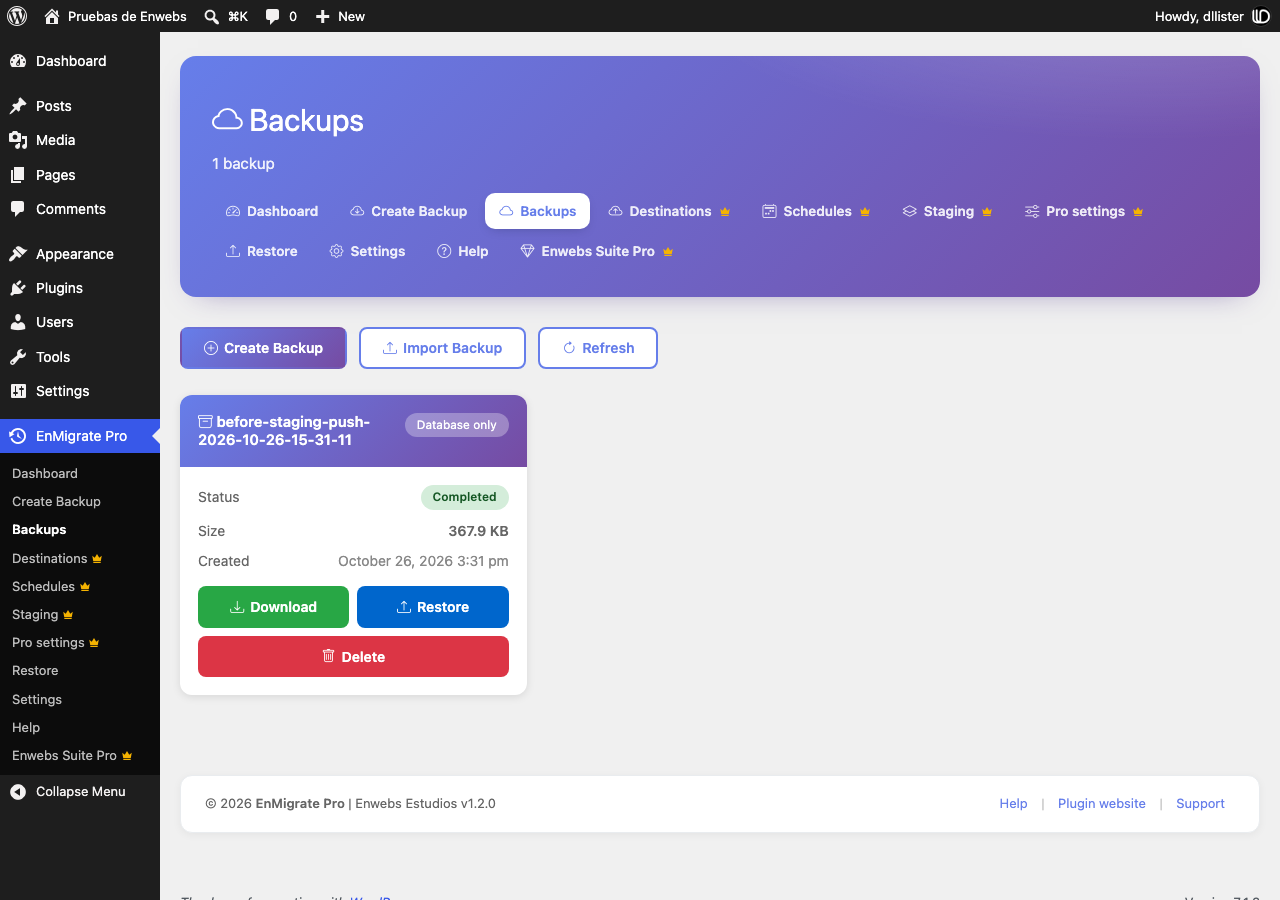
- Backups are stored in a protected folder and can only be downloaded by administrators.
- Built-in help page with step-by-step guides and a server requirements check.
- Translation ready: translate it on translate.wordpress.org or with Loco Translate.
Requirements
- PHP ZipArchive extension.
- Enough free disk space for the backup file.
સ્ક્રીનશોટ
સ્થાપન
- Upload the
enmigrate-profolder to/wp-content/plugins/, or install it from Plugins > Add New. - Activate the plugin.
- Go to EnMigrate Pro in the admin menu.
To move a site
- On the original site go to EnMigrate Pro > Create Backup and download the backup when it finishes.
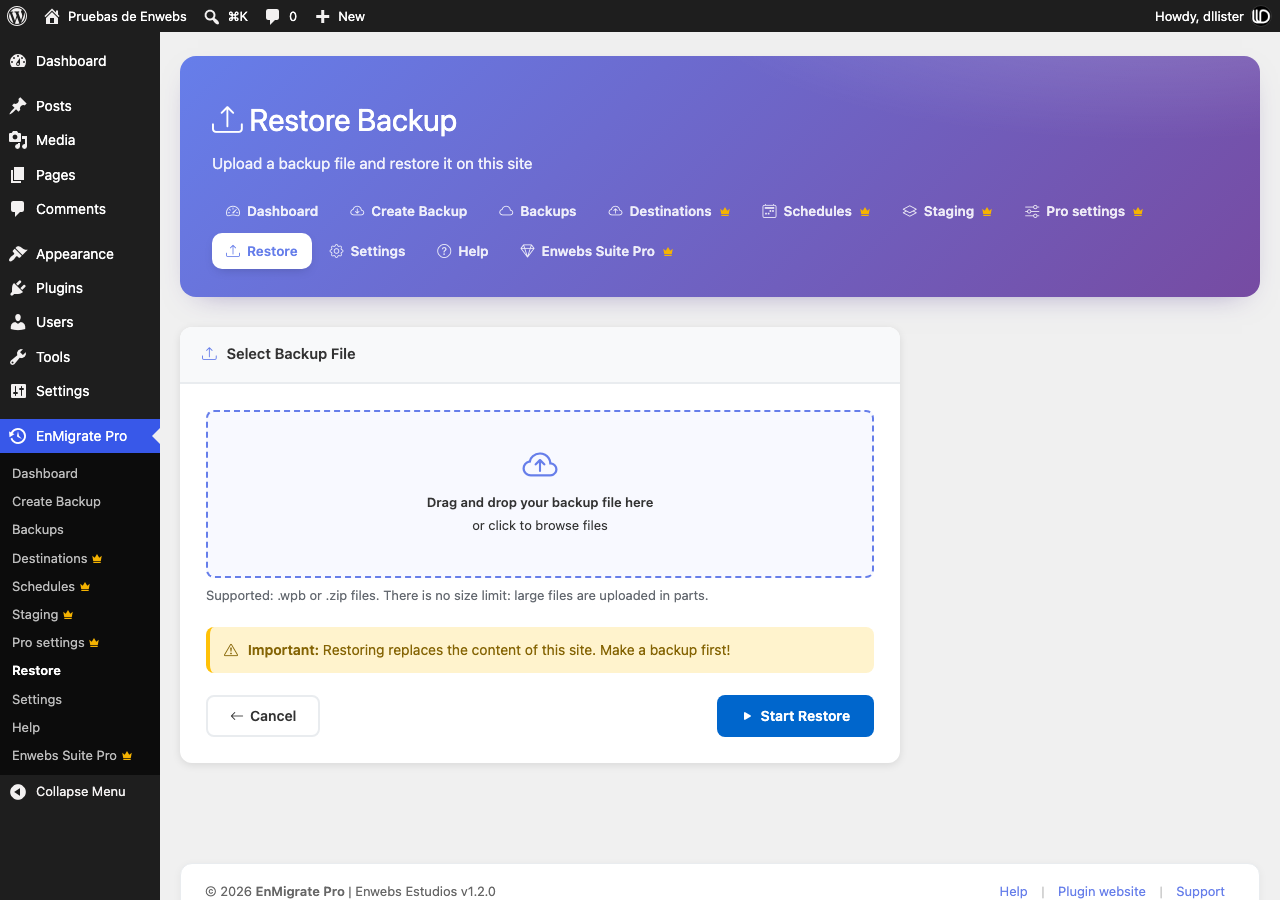
- On the new site install EnMigrate Pro, go to EnMigrate Pro > Restore and select the file.
- When the restore finishes, log in with a user of the original site.
એફએક્યુ (FAQ)
-
Is there a file size limit?
-
No. Files are uploaded in parts sized for your server, and the restore works in short steps.
-
Where are backups stored?
-
In
wp-content/wpmigpro-backups/. The folder is protected so backups can’t be downloaded directly from the web; use the Download button in the Backups page. -
Do I need to log in again after a restore?
-
Yes. The users and passwords of the restored site replace the current ones, so you log in with a user of the backup.
-
Which files are not included in a backup?
-
Cache folders, the WordPress upgrade folder, backup folders of this and other backup plugins, and server-specific drop-ins (
object-cache.php,advanced-cache.php,db.php) are skipped during restore so the destination server keeps working. -
What happens with my backups when I uninstall the plugin?
-
Settings and the plugin’s database tables are removed. Backup files stay in
wp-content/wpmigpro-backups/so you don’t lose them by accident; delete that folder manually if you don’t need them. -
Can I translate the plugin or change its texts?
-
Yes. All texts are translatable. Translations are managed on translate.wordpress.org, and you can also use a plugin such as Loco Translate with the template in
languages/enmigrate-pro.pot.
સમીક્ષાઓ
આ પ્લગઇન માટે કોઈ સમીક્ષાઓ નથી.
ફાળો આપનાર & ડેવલપર્સ

“EnMigrate Pro” ને તમારી ભાષામાં અનુવાદ કરો.
વિકાસમાં રસ ધરાવો છો?
કોડ બ્રાઉઝ કરો, જોવોઅસ્વીએન રેપોઝિટરીમાંથી,અથવા સબ્સ્ક્રાઇબ કરોડેવલપમેન્ટ દ્વારાઆરઅસઅસ.
ચેન્જલૉગ
1.2.0
- Developer hooks: backup completed/failed actions, folder, path and table filters, backup card actions.
- Support for AES-256 encrypted archives provided by add-ons; the importer explains when a backup is encrypted.
- Header and footer of the admin screens are now cards as wide as the content.
- Menu entries that present the optional Enwebs Suite Pro add-on.
1.1.0
- New restore engine: single step flow, live log, resumable steps, temporary tables with atomic swap.
- Fixed missing posts, users and theme settings when restoring on a site with a different table prefix or domain.
- Fixed serialized data being corrupted by the URL replacement.
- Backups are now downloaded through an authenticated request; the backups folder is no longer web accessible.
- No more size limit for uploaded backups.
- Settings are now applied: automatic daily backups, retention, backup content and compression level.
- All assets are bundled with the plugin.
- New Help page with documentation and a server status check.
- Settings and Help links in the Plugins screen.
- Translation ready (translate.wordpress.org / Loco Translate).
1.0.0
- Initial release.